Valheim Equipment Checks: Repair, Verify and Match the Trip
A newly equipped tool is not automatically ready for a long expedition. Inspect condition, use the appropriate supported station and check that the selected kit matches the task rather than only its appearance.
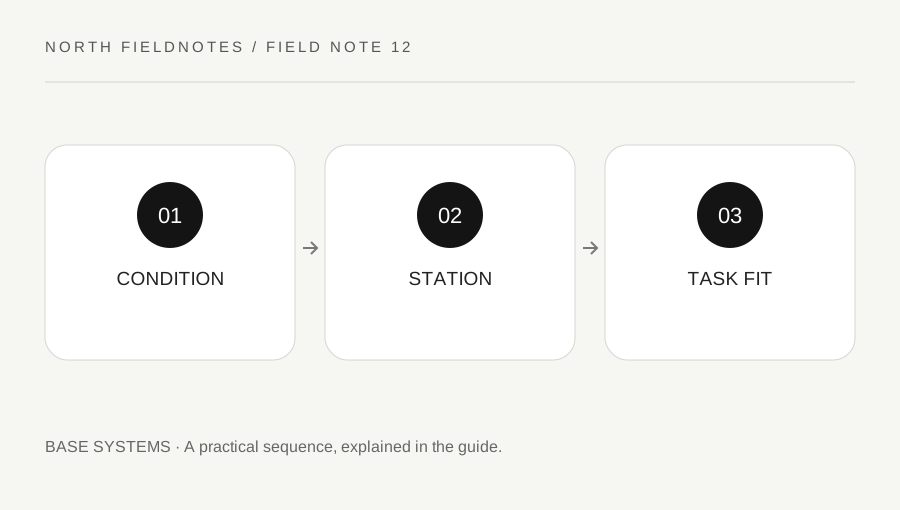
Original explanatory diagram. Examples illustrate a method or decision; they are not claims of personal testing.
Inspect the items actually equipped
Check the condition of the tools, weapons and protective items you intend to use. A replacement in storage does not help if the worn item remains equipped. Keep the task visible: gathering, hauling, exploring and fighting can place different demands on the kit.
Use the current interface and descriptions rather than assuming every item shares a repair or upgrade condition. Iron Gate's crafting systems include several stations, so a first workbench is not automatically the answer for every later item.
This page organizes departure readiness and does not publish permanent station-level numbers or recipe costs. Read those in the current game. The useful distinction is between repairing an existing item, upgrading its level and crafting a replacement; each action answers a different need.
Use the supported station and verify the change
Interact with the appropriate station and inspect the available repair action or message. If the item is not covered, identify the missing station or condition before adding random materials. Do not assume that carrying more resources changes a station requirement.
After using the action, inspect the item condition again. Input motion or a familiar sound does not replace checking the actual result. If several items need attention, verify the full intended kit rather than assuming one action necessarily covered everything.
For a worked example, a group prepares for a long gathering trip. One player checks the main tool and discovers it remains worn after visiting the wrong station. They resolve that at base, where alternatives are available, rather than learning it after reaching a remote resource site.
Match the kit to the route and return load
Choose equipment that supports the objective and the known route. Consider carrying capacity, inventory space and the plan for gathered materials. Bringing every available item can leave no practical room for the task itself.
Keep a fallback proportional to the trip rather than assuming a full duplicate kit is always necessary or always wasteful. Distance, transport and recovery conditions matter. If the group relies on another player's equipment, make that dependency explicit.
The food, sailing and biome-preparation guides cover related systems. This check connects them at departure: the selected item is in the inventory, its condition is suitable, the route permits the load and the return has space for the intended output. A list of item names without those relationships is incomplete.
Learn from the return
After the trip, inspect what wore down, what was never used and which item limited the objective. Record the actual bottleneck before expanding the kit. A larger inventory of backups can hide an unresolved route or station problem.
If behavior changed after an update or differs on a modded server, keep version and configuration in the note. Use official support for a reproducible issue and avoid presenting a mod interaction as default behavior. Do not edit saves or install an unknown tool to repair an ordinary item-condition problem.
Finish with a repeatable departure sequence: inspect, repair, equip, leave space and confirm the route. This takes only a small amount of attention once the base systems are understood, but it prevents a remote expedition from being interrupted by an avoidable problem that was visible before anyone left shelter.
A practical checklist
Choices are saved in this browser. Reset them here or clear this site’s browser storage.
Questions that come up
Are repair and upgrade the same action?
No. Repair restores condition under the supported system; upgrading changes the item according to its current requirements.
Does one station handle every item?
Do not assume so. Read the current station and item requirements.
Should I bring every backup I own?
Match the fallback to the route and task. Excess equipment can consume the capacity needed for the objective.
References & scope
Background references checked on 18 October 2026. Worked examples and diagrams are original teaching material.